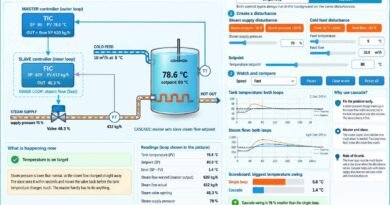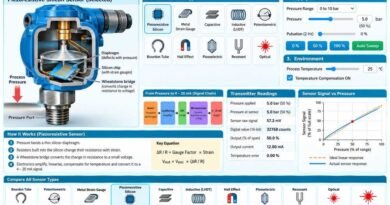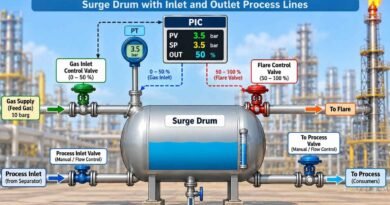
Ratio Control Simulator
In ratio control one flow is free (the wild flow, here the fuel gas set by the burner load) and a second flow is made to follow it at a set ratio (the controlled flow, here the combustion air). Change the burner load or upset the air supply, and compare a fixed air valve with ratio control and with ratio control plus oxygen trim. Watch the flame, the flue gas oxygen and the trends.
What is happening now
Readings
| Fuel gas flow (wild) | |
| Air flow (actual) | |
| Air flow wanted (ratio x fuel) | |
| Actual air : fuel ratio | |
| Ratio the fuel really needs | |
| Excess air | |
| Flue gas oxygen | |
| Carbon monoxide (CO) | |
| Air valve opening |
Why use ratio control?
1Choose the control type
2Create a disturbance
3Watch
Air flow: actual and wanted
Air : fuel ratio
Flue gas oxygen (%)
The Ratio Control Simulator demonstrates how air and fuel flows are coordinated in an industrial burner to achieve safe and efficient combustion. Compare fixed air control, ratio control, and ratio control with oxygen trim using interactive process conditions.
Adjust burner load, blower pressure, fuel quality, and the air-to-fuel ratio to observe changes in flame appearance, excess air, flue gas oxygen, and carbon monoxide levels. Understand how the ratio station and air flow controller maintain the required air supply as fuel demand changes.
This interactive simulator is ideal for instrumentation engineers, technicians, and students learning process control, combustion control, DCS applications, and industrial burner operation.
Try the simulator below to understand why ratio control improves combustion efficiency and how oxygen trim compensates for changes in fuel quality.